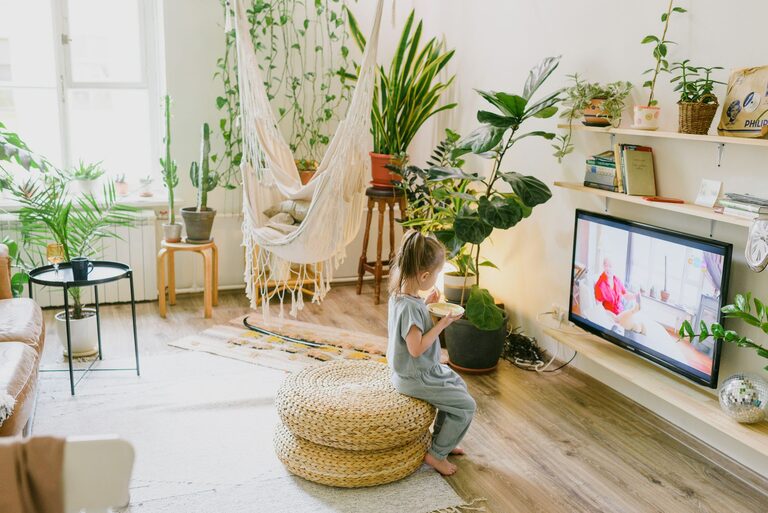

Creating a home workspace that balances relaxation and productivity is essential for anyone working remotely or managing tasks from home. A well-designed area not only helps you focus but also supports your wellbeing, reducing stress and fatigue. Whether you have a dedicated room or just a corner of a room, the right setup can make all the difference. Here are some useful tips to help you create a home workspace that feels both calming and efficient.
Choose the Right Location
Selecting the best spot for your workspace sets the foundation. Ideally, this should be a quiet area with minimal distractions. If possible, choose a space with natural light, as this helps improve mood and alertness.
Consider these points:
– Avoid high-traffic areas in your home.
– Face your desk towards a window if you can.
– Keep your work zone separate from relaxation zones, like the living room or bedroom.
Invest in Comfortable Furniture
Comfort is key to staying productive and relaxed during work hours. Your chair and desk should support good posture to prevent aches and maintain focus.
Tips for furniture selection:
– Use an adjustable office chair with lumbar support.
– Choose a desk at the right height—elbows should be at a 90-degree angle when typing.
– Consider a sit-stand desk if you prefer to alternate between sitting and standing.
Organise with Purpose
A clutter-free workspace reduces stress and helps you concentrate better. Organising your desk and materials efficiently can save time and keep your mind clear.
Organising strategies:
– Use storage boxes, shelves, or drawers to keep essentials tidy.
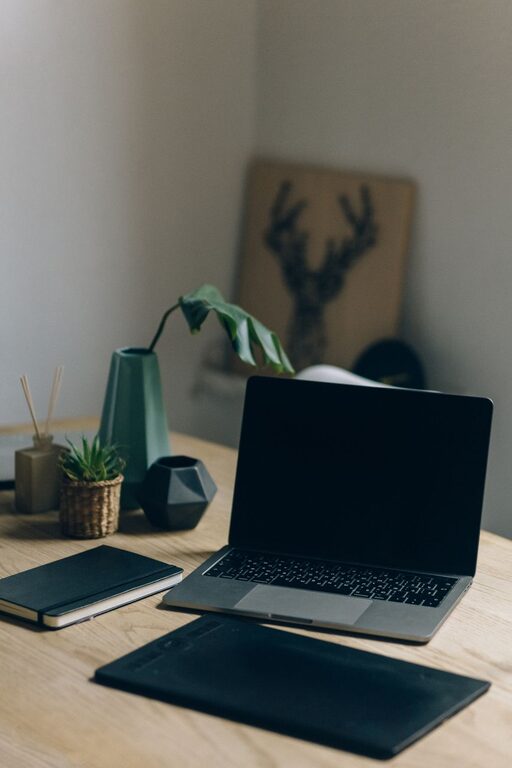
– Only keep necessary items on your desk to minimise distractions.
– Label files and folders for quick access.
– Establish a routine to tidy your workspace at the end of each day.
Incorporate Personal Touches
Adding elements that make you feel comfortable can boost your mood without creating distractions.
Suggestions include:
– A few favourite photos or artwork.
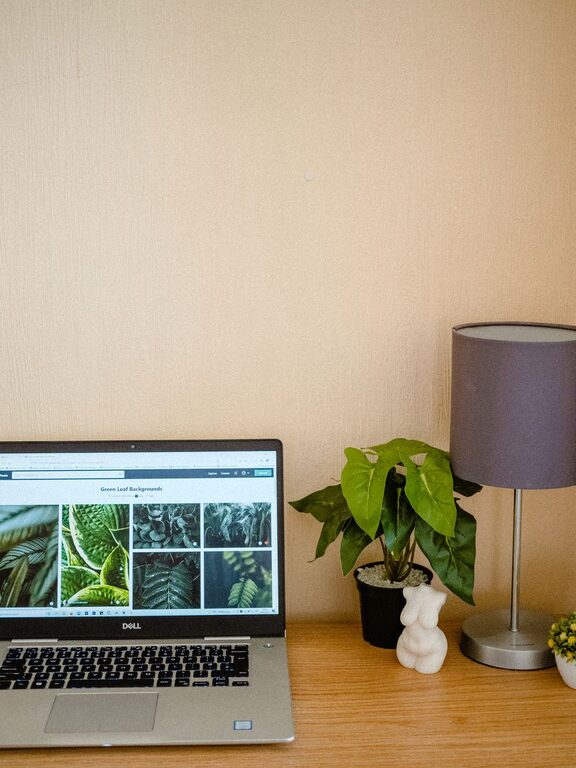
– Plants or flowers, which can improve air quality and reduce stress.
– A small item that inspires you, like a motivational quote or ornament.
Control Lighting and Reduce Glare
Good lighting helps reduce eye strain and keeps you alert. Use a combination of natural and artificial light for the best results.
Lighting advice:
– Position your screen to avoid reflections from windows or lamps.
– Use task lighting, such as adjustable desk lamps, for focused work.
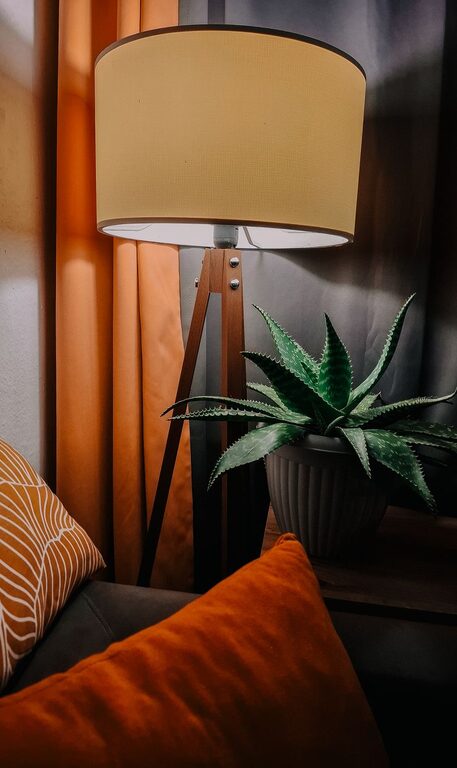
– Consider soft, warm lighting in the evening to signal downtime.
Manage Noise Levels
Background noise can disrupt concentration or increase stress. Depending on your environment, you may want to minimise or manage sounds effectively.
Ideas for sound management:
– Use noise-cancelling headphones or earplugs.
– Play soft instrumental music or white noise if it helps your focus.
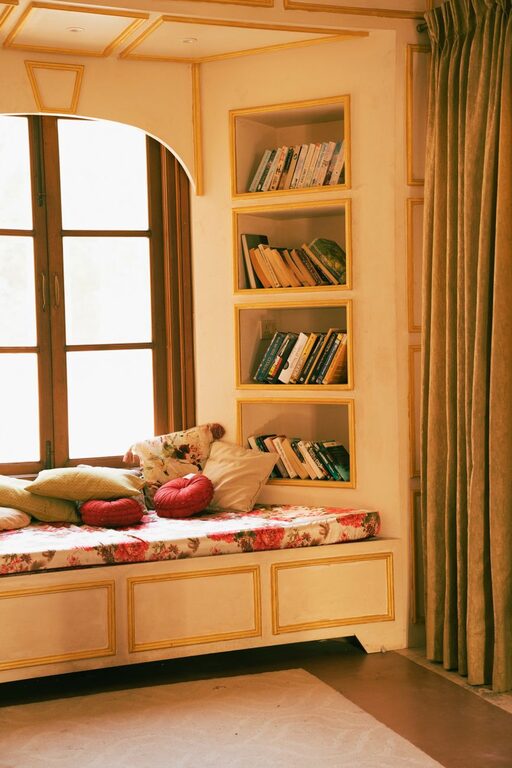
– Add rugs, cushions, or curtains to absorb echo and reduce sound.
Prioritise Ergonomics
Beyond furniture, your overall setup should support your body’s comfort throughout the day.
Ergonomic tips:
– Position your computer monitor at eye level to avoid neck strain.
– Keep your keyboard and mouse within easy reach to prevent overextension.
– Take regular breaks to stretch and move.
Establish Boundaries and Routines
A relaxing and productive workspace is more than physical—it’s also about how you use it.
Strategies to consider:
– Set specific work hours and stick to them as much as possible.
– Create a morning routine to signal the start of the workday.
– Use breaks to step away from your desk and recharge.
Maintain Good Air Quality
Fresh air supports concentration and wellbeing. If you are working in a small or enclosed space, air quality becomes even more important.
How to improve air quality:
– Open windows regularly to ventilate.
– Use air purifiers if needed.
– Include indoor plants that enhance air purification.
Keep Technology Organised and Updated
Technology is central to home workspaces, but messy cables and outdated equipment can cause frustration.
Tips for tech management:
– Use cable organisers or clips to keep cords neat.
– Regularly update software to avoid slowdowns and security risks.
– Invest in reliable hardware that suits your work needs.
Create a Calming Atmosphere
Finally, aim for a workspace vibe that feels pleasant and reduces stress.
Ways to create calmness:
– Use calming colours like soft blues, greens or neutrals in your workspace decor.
– Light a scented candle or use an essential oil diffuser with subtle fragrances.
– Practice mindfulness or breathing exercises during breaks to reset your energy.
—
Designing a home workspace that is both relaxing and productive can improve your focus, comfort, and overall work satisfaction. By choosing the right location, investing in quality furniture, staying organised, and incorporating personal touches, you create an environment tailored to your needs. Remember that regular breaks, good lighting, and managing noise also play an essential role. With these simple yet effective tips, your home office will become a place where you can work efficiently and feel at ease.
About the Author